
Haunted Unicorn Mascot
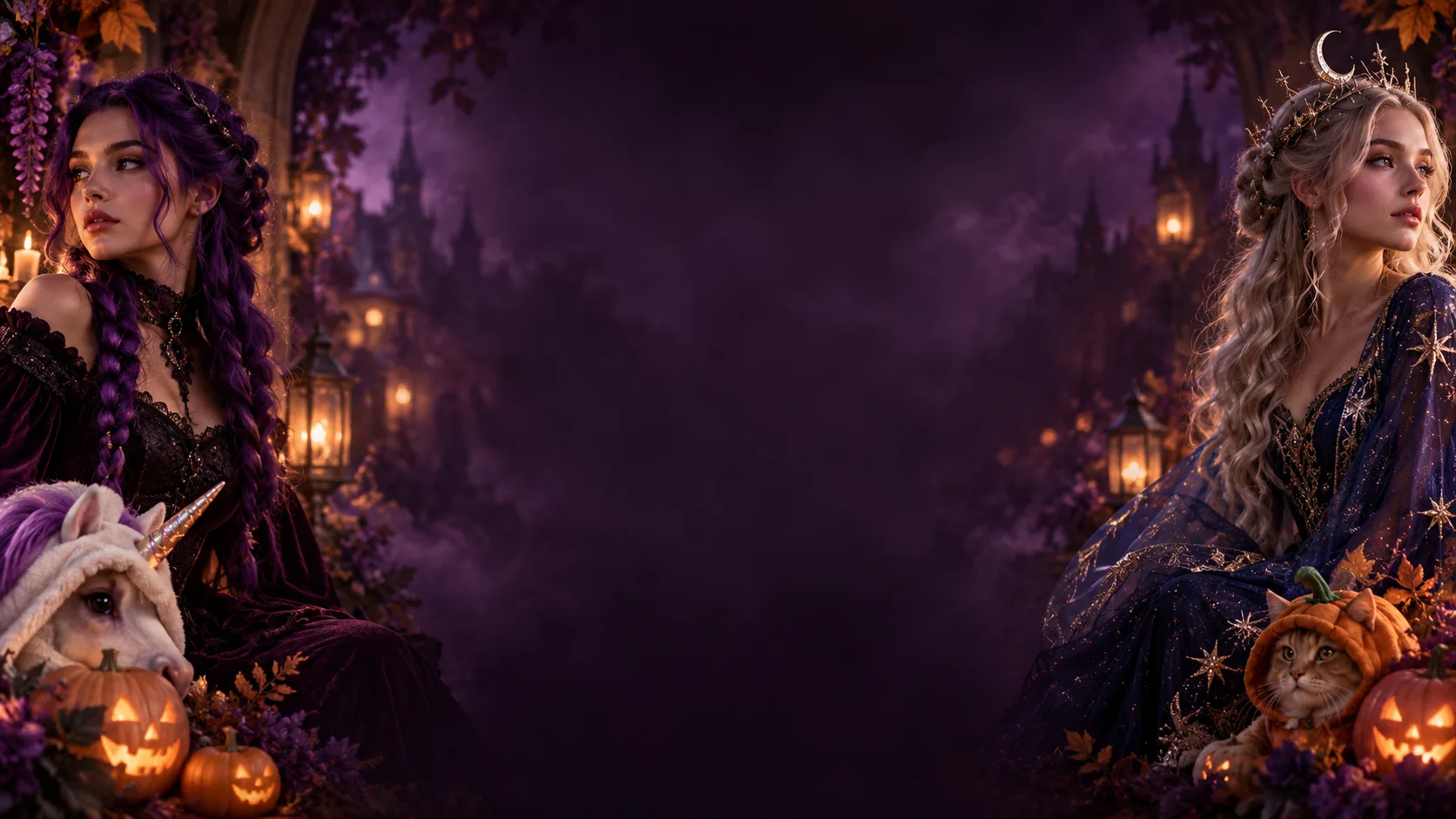
Plush mascot hood with a single horn, stitched velvet panels, and a moonlit pumpkin field with hanging lanterns.
One selfie. Five Halloween looks. Upload a photo, pick a costume direction, and keep your own face while the outfit, styling and scene change around you.
3 credits per image. The $9 credit pack covers 10 looks.
Choose a look, upload your photo, and generate. Switch looks and run the same photo again to compare costume directions.
Your artistic masterpiece in Haunted Unicorn Mascot style will appear here.
Each look describes a costume, styling, setting and lighting. The prompt asks to preserve identity; review the result before sharing.
Plush mascot hood with a single horn, stitched velvet panels, and a moonlit pumpkin field with hanging lanterns.
Long purple braids with silver ornaments, black and purple velvet clothing, and a foggy Victorian garden at night.
A midnight-blue gown with silver embroidery and softly glowing star patterns, plus a moon crown and a star-field observatory.
A wearable armored hero suit with blue LED accents and a raised visor, lit like a blue and orange film still.
A soft pumpkin costume for a pet, fitted so the eyes and muzzle stay clear, shot in a warm autumn studio.
A costume swap is an edit task, not a fresh render. The prompt protects what makes the photo yours and changes only the styling around it.
The prompt asks to preserve facial features, skin tone, age, pose and body proportions while allowing the selected hairstyle.
The prompt asks to keep the original framing and number of subjects. Results can vary.
Choose one prepared look at a time. For makeup-only edits, copy a prompt from the Halloween prompt library into an editor that supports custom instructions.
Fabric, colour, lighting and background come from the look direction you choose, so results stay consistent between sessions.
Each look names the garment, material and accessories instead of just asking for a Halloween theme.
A described location and lighting setup produces a photo rather than a cut-out costume on a plain background.
One credit system for your creative tools. Use the same credits across image, naming, and other tools.
Best for trial runs, short projects, or occasional usage.
Pay once. Credits are valid for up to 365 days from purchase.
Includes
For active creators and teams with recurring AI workloads.
Billed monthly. Credits expire at the end of each billing cycle. Cancel anytime.
Includes
Best value for long-term, high-volume AI usage.
$190 billed annually. 120 credits are granted monthly and expire at the next monthly issue date.
Includes
A front-facing selfie or half-body photo with even light and no sunglasses. The costume prompt needs a visible face, so group photos and heavy shadows give weaker results.
The prompt asks the model to keep your face, skin tone, pose and body proportions, and to avoid swapping the face or adding people. Results still vary, so review every image before you share it.
3 credits per image. The $9 credit pack covers 10 looks.
Yes. Upload once, switch the look, and generate again. Each generation is a separate task and is charged separately, and previous results stay in your history.
That depends on your rights to the input photo and on the applicable AI provider terms. A paid plan does not itself grant rights to third-party costumes, characters or likenesses.
Costume edits fail in predictable ways: the outfit merges into the background, the model adds a second person, or fine details blur. Try a better-lit photo, keep one look per attempt, and rerun rather than stacking extra instructions.
Start with the look closest to the costume you already had in mind, then compare a second direction on the same photo.